
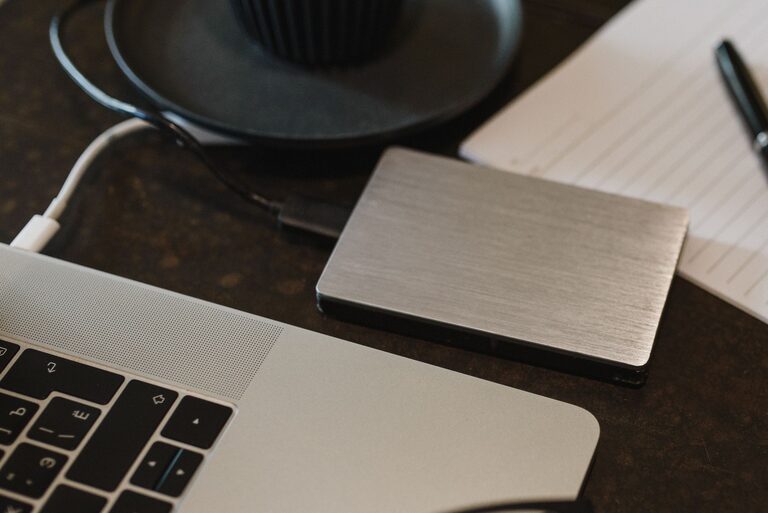
Backing up your photos and files is essential to ensure your important data is safe from unexpected loss. Whether it’s due to a computer crash, accidental deletion, or hardware failure, having a reliable backup can save you from frustration and heartache. In this post, we’ll explore practical and straightforward ways to back up your digital content, including tips on storage options and best practices.
Why Backup Matters
Every day, we create and collect digital files—photos from family events, work documents, personal notes, and more. Losing these files can be devastating, especially if they are irreplaceable memories or important work materials. Backing up your data means making a copy of your files and storing it separately, so you can restore them if needed.
Choose the Right Backup Method
There are several backup methods you can use, depending on your needs and preferences:
1. External Hard Drives
One of the most common and reliable options is using an external hard drive. These devices connect to your computer via USB and can store large amounts of data.
Pros:
– Large storage capacity
– Easy to use and affordable
– No internet connection required
Cons:
– Can be lost, stolen, or damaged
– Requires manual updating unless automated with backup software
2. Cloud Storage Services
Cloud backup services store your data on remote servers accessed through the internet. Popular services include Google Drive, Dropbox, and Microsoft OneDrive.
Pros:
– Access your files anywhere with internet
– Automatic syncing and backups available
– Usually includes file versioning
Cons:
– Limited free storage (paid plans available)
– Requires reliable internet connection
– Privacy may be a concern for some users
3. Network Attached Storage (NAS)
NAS devices are like your own personal cloud, a hard drive connected to your home network that multiple devices can access.
Pros:
– Centralized storage for multiple users
– Can be configured for automated backups
– Large storage capacity
Cons:
– Higher initial setup cost and complexity
– Requires some technical knowledge
Tips for Effective Backups
Be Consistent
Make a habit of backing up your files regularly. Depending on how often you add or change files, this could be daily, weekly, or monthly.
Use the 3-2-1 Rule
Keep at least three copies of your data, on two different types of media, with one copy stored offsite (like cloud storage). This strategy minimizes risk from hardware failure, theft, or natural disasters.
Organize Your Files
Keep your files organized with clear folder structures and consistent naming. This makes it easier to locate and restore files when needed.
Automate When Possible
Many backup solutions offer automatic backups. Setting this up means you won’t have to remember to do it manually.
Step-by-Step Backup Guide
Here’s how to get started backing up your photos and files safely:
Step 1: Identify What to Back Up
List out important files such as photos, documents, videos, and any work-related data. Prioritize files that are difficult or impossible to replace.
Step 2: Select Your Backup Storage
Decide if you want to use an external drive, cloud service, or a combination. Many people combine both for added security.
Step 3: Copy Your Files
– For external drives: Connect the drive, then drag and drop or copy your files.
– For cloud storage: Upload files through the service’s app or website.
– For NAS: Use the device’s software or file sharing settings.
Step 4: Set Up Automation
Use backup software or apps that can schedule automatic backups. This relieves you from remembering to back up regularly.
Step 5: Test Your Backup
Periodically check that your backups work by opening files from the backup storage. This ensures files haven’t become corrupted.
Final Thoughts
Backing up your photos and files doesn’t have to be complicated. With a little planning and the right tools, you can protect your digital memories and important documents from loss. Whether you choose an external hard drive, a cloud service, or a combination, the key is to back up regularly and keep copies in separate locations.
Start your backup routine today—it’s worth the peace of mind!
About the Author